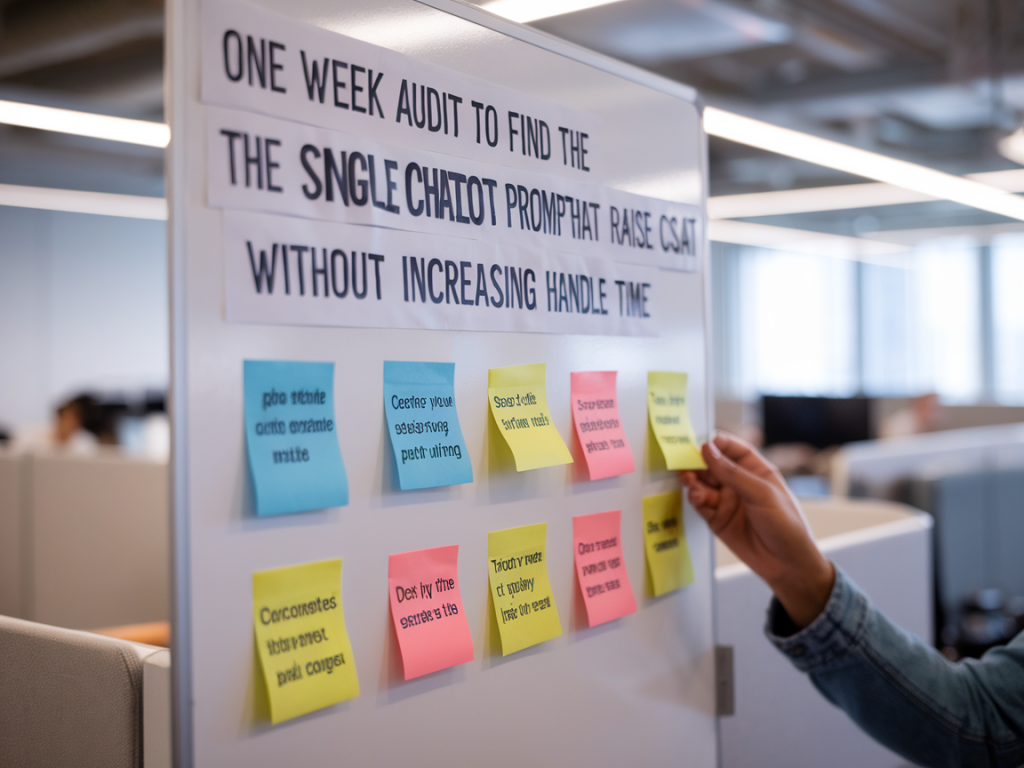
When I run audits for support teams, one thing I’m always asked is: “Can we tweak the chatbot prompt and actually improve CSAT without making conversations longer?” The short answer is yes — and the way to find that single high-impact prompt is through a focused, one-week audit that balances quantitative signals with lightweight qualitative testing.
In this post I’ll walk you through the exact one-week process I use to uncover the single chatbot prompt change that lifts CSAT while keeping handle time steady. This is a practical, hands-on approach you can run with limited resources and minimal engineering involvement — ideal for busy support teams, product managers, or CX practitioners experimenting with conversational automation.
Why a one-week audit works
A one-week audit forces prioritisation. It’s short enough to avoid analysis paralysis and long enough to gather meaningful data across channels and shifts. More importantly, it focuses on a single lever — the chatbot’s initial prompt or opening message — which often has outsized influence on customer expectations, perceived helpfulness, and the decision to self-serve or escalate.
Opening prompts do three things: set expectations, signal capability, and reduce friction to the next action. Small wording changes can reduce confusion, lower re-routes to live agents, and increase satisfaction — all without adding steps that lengthen conversations.
What I’m trying to learn in seven days
Day-by-day audit plan
Below is the schedule I use. It’s deliberately simple so you can implement with your current chatbot or live chat platform (Intercom, Zendesk, Ada, LivePerson, etc.).
| Day | Activity |
| Day 1 | Baseline measurement and hypothesis creation |
| Day 2 | Create two or three prompt variants and set up A/B test |
| Days 3–6 | Run test, monitor metrics daily, collect qualitative examples |
| Day 7 | Analyze results, pick the winning prompt, and prepare rollout plan |
Day 1 — establish baselines and a crisp hypothesis
Start by pulling the last 30 days of data for CSAT, AHT, transfer rate, and first-message resolution for chatbot interactions. Don’t overcomplicate the metrics — you’re looking for stable patterns to compare against. I often find that teams already have these KPIs in their dashboards (Zendesk Explore, Intercom Reports, or Looker), so it’s mostly a matter of extracting a short report.
Next, craft a hypothesis. Keep it specific: “If we make the opening prompt explicitly state the bot’s capabilities and offer a quick path to a human agent, CSAT will increase by 5% and transfer rate will decrease by 10% without raising AHT.” This framing makes it easy to judge success at the end of the week.
Day 2 — design variants that test one variable at a time
Design two or three prompt variants. The key is to change one element per variant so you can attribute impact. Common variables are:
Example variants I’ve used successfully:
Set up an A/B test within your chatbot platform or use a feature-flagging tool. If A/B testing isn’t available, route a portion of traffic manually to each prompt (e.g., using simple rules or time-based splits).
Days 3–6 — monitor, collect qualitative snippets, and iterate if necessary
During the live test, monitor daily: CSAT, AHT, transfer rate, and the percent of conversations resolved on first message. But don’t stop at metrics — sample transcripts and identify recurring patterns.
What to look for in transcripts:
One practical tip: set up a Slack or Teams channel and forward examples there for rapid qualitative review with colleagues. I find that spotting three clear examples of confusion or delight can tell you more than 300 aggregated data points.
Day 7 — analyze and select the single prompt
Compare the variants against baseline and each other. I focus on three signals, in this order:
If one variant increases CSAT and reduces transfers without increasing AHT, that’s your winner. If CSAT goes up but AHT also rises, dig into transcripts to see if satisfaction came from longer, more empathetic human chats — in that case the prompt trade-off might not be acceptable.
Document the winning prompt and the evidence supporting it. Include examples of successful interactions and note any small tweaks that might improve it further (e.g., adding a single clarifying phrase).
Practical pitfalls and quick fixes
How I roll out the change after the audit
After selecting the winning prompt, I run a controlled rollout: 10–20% of traffic for a week, then 50% for another week, while keeping a small control group. This protects against seasonality and gives time to monitor unintended consequences. I also update training materials for the bot and pass learnings to the live support team — often a single line in an agent playbook is enough (“This new prompt emphasizes capabilities; if customers still say ‘agent’, transfer immediately”).
This one-week audit is deliberately focused: it won’t redesign your entire conversational architecture, but it will surface a highly actionable lever that often delivers measurable improvements in CSAT without increasing handle time. If you want, I can share a template for prompts and a simple analytics sheet you can drop into Google Sheets to run the numbers quickly.