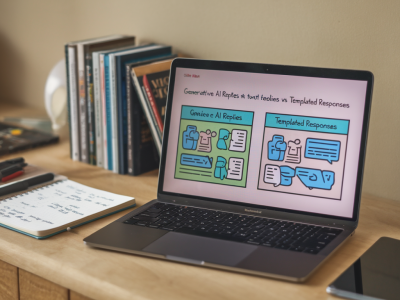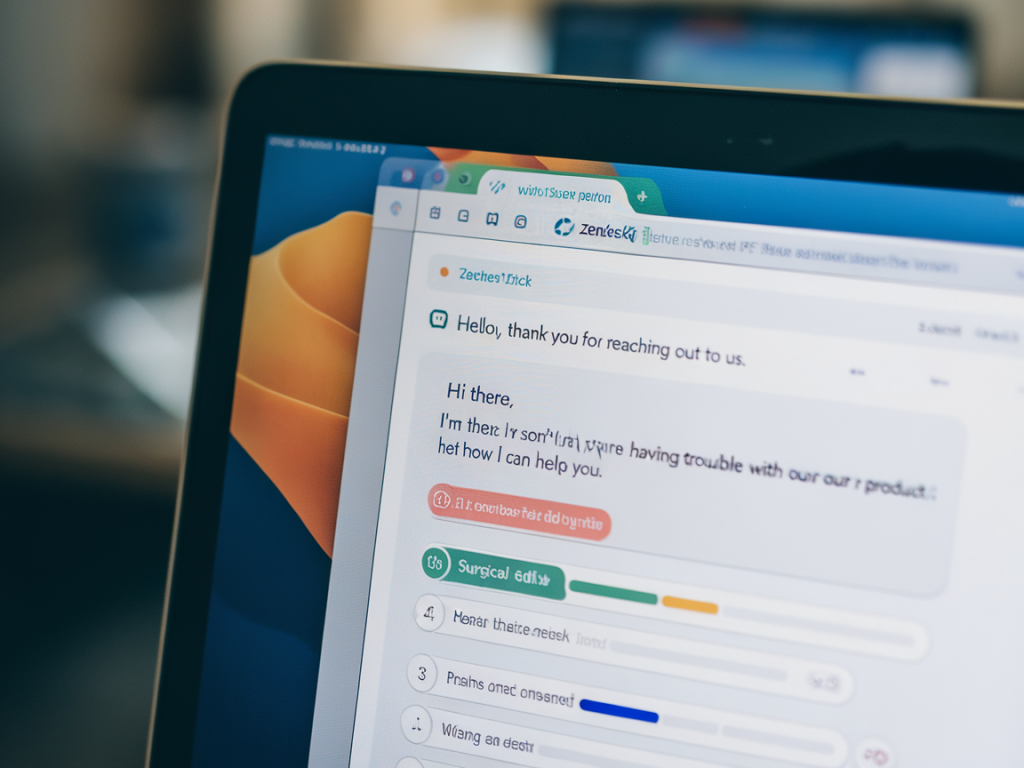
I used to love macros. They promised consistency, speed, and a way to scale support without hiring an army. But over the years I watched the very thing meant to speed conversations quietly erode one of the hardest-earned metrics in support: CSAT. In countless Zendesk instances and similar ticketing systems, macros become templates of convenience that forget the person behind the ticket. The result is shorter replies, more clarifications, and an uptick in repeated agent actions—not to mention customers who feel unheard.
How macros silently erode CSAT
Macros are shortcuts. That’s their strength and their Achilles’ heel. When an agent reaches for a macro first, the message risks being:
- Context-free: Generic language that doesn't address the customer's unique situation.
- Redundant: Asking for information the customer already provided—or failing to acknowledge it.
- Robotic: Lacking warmth, empathy, or a clear next step.
- Hard to follow-up: Leaving agents unsure what was customized or left as a default.
Those issues translate directly to measurable problems: longer resolution loops, more reopened tickets, and lower CSAT scores. I once audited a mid-sized SaaS support queue and found a correlation between macro-heavy replies and negative CSAT comments mentioning "canned response" or "did not read my message." When customers perceive a response as a template, they assume the agent didn't invest effort—which lowers satisfaction even if the solution was correct.
Why the problem persists in systems like Zendesk
Zendesk and other platforms make it easy to create and apply macros, which is exactly why they often multiply unchecked. Common operational patterns keep the problem alive:
- Macros are treated as outputs—not as starting points for personalization.
- Training emphasizes speed metrics over conversational quality.
- Macros are created by well-meaning managers but not regularly pruned or reviewed.
- Agents copy-paste macros verbatim to hit SLA and handle-time targets.
There’s also a cognitive bias at play: once a macro exists and is widely used, teams normalize the tone and structure it creates. Over time, the organization’s voice drifts toward the path of least resistance.
The five surgical edits that restore context and cut repeats
Below are five targeted changes you can make to your Zendesk macros (or any canned replies) this week to improve clarity, reduce repetition, and positively impact CSAT. These edits are deliberately small—surgical rather than radical—so they’re easy to roll out and measure.
- Edit 1: Add a one-line context ack
Every macro should start with a single sentence that explicitly references the customer's input. Example: "Thanks for sharing your order number (12345)—I’ve pulled up your account." That line signals to the customer that they were heard and gives the agent a reminder to check the ticket contents before sending.
- Edit 2: Replace absolutes with conditional language
Macros often use absolute statements ("This will fix the issue") that can be wrong. Swap them for conditional phrasing ("This should resolve the issue; please let me know if it doesn’t"), which manages expectations and reduces follow-up tickets.
- Edit 3: Embed the next action and ownership
Make it crystal clear who’s doing what and when. Add a line like, "I’m escalating this to our billing team now—expect an update within 48 hours. I’ll follow up here as soon as I hear back." This reduces duplicate checks from customers and prevents agents from re-doing work.
- Edit 4: Make variable placeholders mandatory and visible
Ensure macros include placeholders for name, account details, and relevant dates, and require agents to confirm/replace them before sending. Changing "{customer_name}" to the customer’s actual name takes two seconds but radically changes perception. Use visual cues in Zendesk (like a short checklist) if possible.
- Edit 5: Add one sentence of empathy or personalization
Even a brief, genuine phrase—"I know how frustrating this can be" or "Thanks for sticking with us while we sort this"—improves tone. Train agents to write one-line personalizations that relate to the case (not generic "Thanks for contacting us").
Examples: Before and after a macro edit
Here’s a simple table showing how a typical Zendesk macro can be rewritten using the five edits above.
| Before | After |
|---|---|
| Thanks for contacting support. Please clear your browser cache and try again. If the problem persists, reply to this ticket. | Thanks, Jane—I've pulled up your account and can see the failed payment from 02/14. Please clear your browser cache and try logging in again; this often resolves session issues. If that doesn’t work, reply here and I’ll open an investigation with our payments team. I’ll follow up within 24 hours. I know this is inconvenient—sorry for the trouble. |
Operational tips to enforce the edits
Making edits is one thing; keeping macros healthy is another. Here are practical steps I use when helping teams:
- Run a quarterly macro audit: flag macros with high use + low CSAT for revision.
- Create a macro template standard that includes the five edits and a mandatory checklist before send.
- Instrument tickets: use tags or custom fields to track whether a macro was used, then correlate with CSAT.
- Use coaching sessions: review real tickets with agents to show the difference between a templated reply and a personalized one.
- Limit the number of macros visible by role—overload makes copying easier than customizing.
What I watch for after changes
After rolling out these edits, I recommend tracking a small set of KPIs for 4–8 weeks:
- CSAT by ticket (macro used vs. not used)
- Ticket reopen rates
- Average number of replies per ticket
- Handle time (you may see a slight increase that pays off in better CSAT)
In my experience, teams that adopt these five surgical edits typically see fewer clarifying replies and a measurable lift in CSAT within a few weeks. You might need to tweak the edits to fit your voice, but the core idea—use macros as scaffolding, not as the entire conversation—stays the same.
If you want, I can help you audit a sample of your Zendesk macros and produce redlines that apply these five edits. Small changes here compound quickly: better context, fewer repeats, and customers who feel genuinely heard.