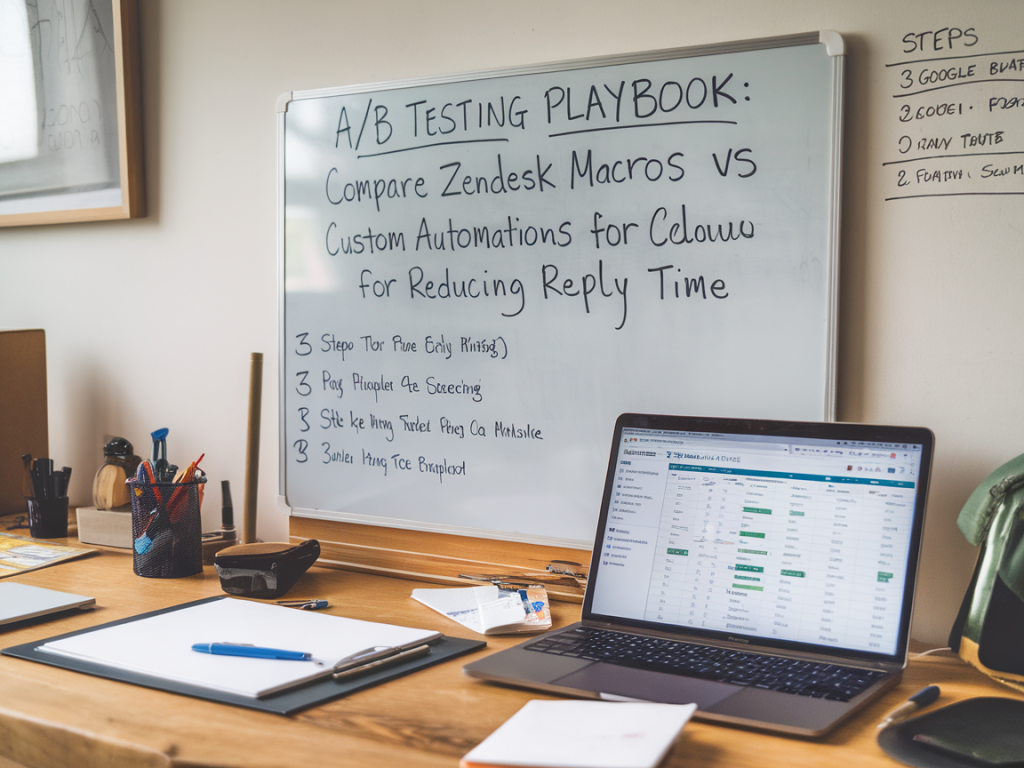
When teams ask me whether they should rely on Zendesk macros or build custom automations to reduce reply time, my instinct is to say: “Test it.” The answer depends on your ticket patterns, volume, agent workflows, and technical comfort. Over the years I’ve run A/B tests across support stacks to isolate what actually moves the needle — and you can too. Below I share a practical playbook I use to compare Zendesk macros versus custom automations with a clear focus on reducing first reply time (FRT) and overall reply cadence.
Why A/B test macros vs automations?
Macros are fast and simple: predefined responses or action sets an agent triggers manually. Custom automations (or triggers and workflows built with business rules, webhooks, or a middleware like Zapier/Workato) can apply logic automatically, reduce manual work, and scale complex behavior. But automation can introduce noise, routing errors, or worse customer experiences if not tuned.
A controlled A/B test removes opinions and reveals impact on measurable outcomes: reply time, resolution time, agent touches, and customer satisfaction. I prefer evidence-based decisions — and this setup helps you decide whether the engineering investment in custom automations yields real ROI versus optimizing macros and agent training.
Primary hypotheses
- H1: Custom automations will reduce median first reply time by automatically triaging and adding suggested replies.
- H2: Macros will yield comparable FRT improvements when combined with clear routing and agent training, with lower implementation cost.
- H3: Automations risk lowering subjective satisfaction unless content and timing are carefully managed.
Key metrics to track
- Primary metric: First Reply Time (median and 90th percentile).
- Secondary metrics: Reply count per ticket, Time to resolution, CSAT score, Escalation rate, Agent handling time.
- Operational metrics: Automation failure rates, tickets requiring human edit after automation, false positives in routing.
Experiment design
Keep the test simple and controlled. I recommend a randomized assignment at the ticket level for a sample period long enough to capture weekly patterns (minimum 3–4 weeks, longer if you have low volume). Here’s a structure I’ve used:
- Population: Inbound tickets from web and email during business hours (exclude complex channels like voice if they skew data).
- Randomization: Assign tickets randomly to A (macros + standard routing) or B (custom automation workflows). Use a lightweight flag in ticket metadata.
- Sample size: Target at least a few hundred tickets per cohort. For 20% expected FRT reduction and 80% power, you typically need 300–500 tickets per arm — but run a quick power calculation tailored to your baseline variance.
- Duration: 4–8 weeks to iron out day-of-week and campaign effects.
Implementation steps
Here’s a practical checklist I follow when rolling out the A/B test.
- Baseline analysis: Measure current FRT distribution, CSAT, and ticket volume by type.
- Define automation logic: For the automation arm, implement business rules that automatically apply tags, assign priority, insert an initial reply (or suggested reply for agents), or route to a specific queue. Keep logic transparent and easily reversible.
- Macro preparation: Curate a set of macros aligned with high-frequency ticket types. Include brief personalization tokens and clear guidance for agents on when to use each macro.
- Flagging and routing: Implement a lightweight ticket-level flag to assign tickets to A or B. In Zendesk you can use custom ticket fields plus triggers to route accordingly.
- Agent training: Train agents on macro usage and on how to monitor/override automated replies. Set expectations that this is a test and encourage feedback.
- Monitoring: Build dashboards for the primary and secondary metrics. Monitor exceptions like automation misfires and increased escalation in near real time.
Sample tracking table
| Metric | Macros (A) | Automations (B) |
|---|---|---|
| Median FRT | — | — |
| 90th pct FRT | — | — |
| Average replies / ticket | — | — |
| CSAT | — | — |
| Escalation rate | — | — |
What to watch for (pitfalls and mitigations)
- Automation overreach: If an automation sends an initial message too quickly or with the wrong tone, CSAT can drop. Mitigation: use conservative language (acknowledgement + timeline) and short delays (e.g., 3–5 minutes) before auto-replies where appropriate.
- False routing: Complex NLP or rule errors can misclassify tickets. Mitigation: start with deterministic rules (keywords + fields) and roll out ML/NLP in a later phase.
- Agent acceptability: Agents may resist automated content that requires heavy editing. Mitigation: build automations that suggest text but leave human-in-the-loop editing as default.
- Sample bias: Marketing campaigns, outages, or product launches can skew results. Mitigation: avoid running tests during abnormal periods or segment those tickets out.
Statistical significance and interpretation
Don’t obsess over tiny percentage points. Look at both statistical significance and practical significance. A 5% median FRT improvement might be statistically significant but not worth the engineering effort if it requires months of work. Conversely, a 20–30% reduction with equivalent or better CSAT usually justifies building an automation platform.
Use confidence intervals, not just p-values. If the automation arm shows lower median FRT but wider variance and higher escalation, that trade-off might be unacceptable. I typically present results as:
- Median difference with 95% CI
- Change in CSAT with 95% CI
- Operational impact (agent time saved, automation maintenance cost)
Iterate — not a binary choice
One common error is treating this as an either/or decision. I rarely see a pure winner that eliminates the need for the other. In practice you often end up with a hybrid approach:
- Use automations for deterministic tasks (e.g., auto-acknowledgement, priority assignment, routing) and macros for agent-led personalization.
- Surface automated suggested replies for agents to accept/edit — combining speed with human judgement.
- Measure long-term maintenance costs: macros are easy to change; automations require developer bandwidth and testing.
Practical example from a SaaS support team
Recently I helped a mid-market SaaS company A/B test a Zendesk macro-led workflow against a custom automation that used Zendesk triggers + external webhook to enrich tickets with product usage context. The automation arm reduced median FRT by ~30% during business hours because it auto-applied a tailored acknowledgement with next steps and routed the ticket to the correct specialist queue. However CSAT dipped slightly for edge-case tickets where product context was inaccurate. We iterated by adding confidence thresholds for enrichment and surfacing the auto-message as a draft for agents in low-confidence cases. Result: stable FRT improvements and neutral-to-positive CSAT.
That’s the pattern I recommend: run the test, measure widely, expect edge cases, iterate quickly, and combine the strengths of both macros and automations rather than treating them as mutually exclusive.
If you’d like, I can draft a tailored test plan for your team with sample triggers, macros, and a power calculation based on your baseline FRT — just share baseline metrics and ticket volumes, and I’ll outline next steps you can implement in Zendesk or a comparable platform.
Customer Carenumber Co — Customer care insights, practical tools, and tested strategies to help you make smarter automation choices. Visit https://www.customer-carenumber.co.uk for more playbooks and vendor evaluation guides.